
01
Read X posts in peace
Paste any X or Twitter post URL to view it cleanly - then save as PNG, JPG, or PDF.
Save as image Export PDF Threads supported No account needed
How it works
02
View cleanly
viewX strips ads, popups, and noise - showing just the post, author, and media.03
Save or share
Export as PNG, JPG, or PDF. Use the browser extension for one-click access on any page.Why use viewX instead of screenshots or other tools?
Cleaner than browser print or screenshotsRemoves sidebars, ads, reply boxes, and UI chrome automatically. Consistent professional output every time.
Better than most extensionsFull web experience with excellent reading view + dynamic share cards. Works on desktop and mobile without installing anything.
Thread + media supportWalks backward through same-author replies and includes photos, videos, and quoted posts in the export.
Built for serious useDesigned for researchers, journalists, and note-takers who need reliable, citable archives — not just pretty images.
Most alternatives are either pure screenshot tools or basic unrollers. viewX gives you a true reading + export experience.
Popular X Posts/Articles


Why I left Singapore for SF. 🇺🇸


Anthropic 官方博文:多智能体协作指南:五种主流模式怎么选、怎么用?【译】


What I Learned from Two Weeks Inside China's AI Ecosystem


顶级的 Skill 长什么样


凌晨三点的硬币
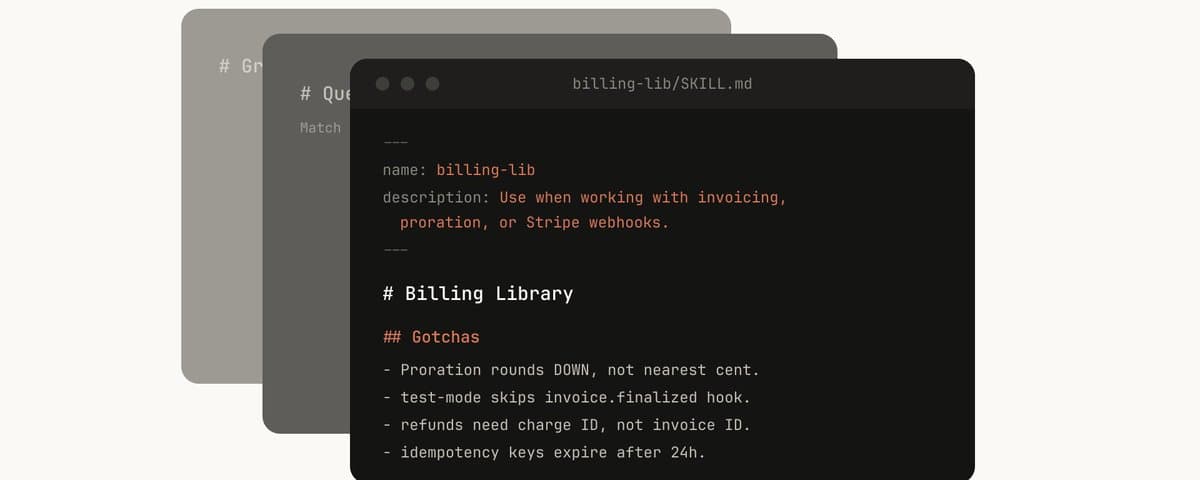

Lessons from Building Claude Code: How We Use Skills


The Collapse Of Terminal Value - What Happens If AI Makes Every Moat Temporary?


2016 年,我做过一次 AI 写代码创业
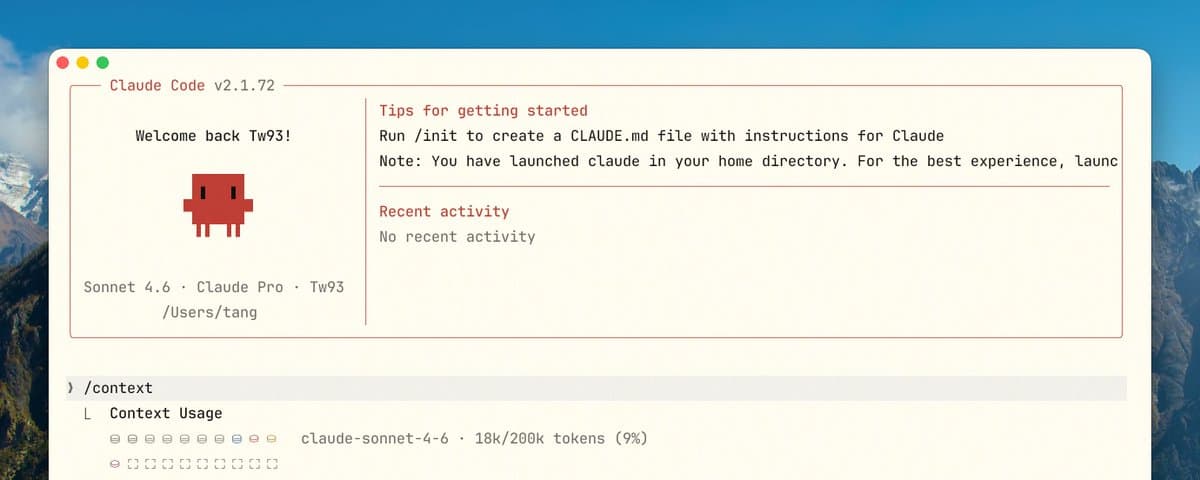

你不知道的 Claude Code:架构、治理与工程实践


在🇯🇵日本住了8年,我们全家为什么选择搬走

dontbesilent 商业思考 100 条(第二期)


How to fix your entire life in 1 day
FAQ
Can I save an X post as a PDF?
Yes. Paste a public x.com or twitter.com status URL, open it in viewX, then use the export controls to save the cleaned post as a PDF.
Can I export a tweet as an image?
Yes. viewX renders a clean, distraction-free version of the post that can be exported as an image for notes, reports, or sharing.
Does viewX work for Twitter threads?
viewX opens individual public posts and quoted posts. Thread-focused guide pages are planned so longer conversations can be easier to read and save.
Do I need an X account?
No login is required for public posts that the data sources can access. Private, restricted, or deleted posts may not load.
Can I save a deleted tweet?
viewX cannot recover content that is no longer available from public sources. It is best used to save public posts while they are still accessible.
Is this only for x.com links?
Both x.com and twitter.com post URLs are supported as long as the link includes a /status/ post ID.